Wi-Fi for large houses and villas
NetCom Security Group
Wi-Fi for large houses and villas: wired access points, coverage on every floor, garden, pool and guest house, guest network. Mesh or access points? NetCom.
This page is part of the section Networks, Wi-Fi and internet connectivity.
In a large house, Wi-Fi works when every floor, the garden and the guest house have their own access point connected by cable, not a repeater that relays a signal that is already weak. NetCom Security Group designs the coverage around the real spaces, installs it with our own technicians and connects it to the alarm, cameras and home automation.
The typical case is a house on three floors with thick walls, a garden with a pool, a guest house for visitors or staff, and dozens of devices between phones, televisions, cameras and sensors. A single router in the hallway does not reach everywhere, and cheap repeaters add delays and drop-outs. The answer is a designed Wi-Fi network: a few access points in the right places, connected by cable, that talk to each other and hand your smartphone from one room to the next without the call dropping.
Why Wi-Fi in a large house has to be designed
A Wi-Fi signal loses strength passing through stone walls, concrete floors, low-emissivity glass and even a large mirror. In a compact house a modern router covers everything; in a large house it does not, and the problem is not solved by turning up the power. You need several transmission points, each with a limited, well-defined coverage area, so that your phone always connects to the nearest one.
That is why we start from the floor plan and a measurement on site: where people live, where they work, where the cameras and home automation devices are, what the walls are made of. From there comes the number and position of the access points, almost always fewer than people imagine, and the route of the cables that feed them.

Mesh or wired access points?
A mesh network links its units by radio: it is convenient where no cables can be run, but every hop halves the bandwidth and adds delay. Wired access points receive data and power from a single network cable, thanks to PoE technology, and deliver full bandwidth at every point. In a house under construction or renovation the cable is always the right choice; in an occupied house we run it wherever possible and use a radio link between units only for unreachable spots, such as a gazebo or a guest house where no trench can be dug.
Modern access points, with the Wi-Fi 6 and Wi-Fi 7 standards, use several radio bands at once and handle dozens of simultaneous devices without slowing down. The hand-over from one access point to the next is seamless: a video call started in the kitchen carries on in the garden.
How we design it
- Site visit and measurement. We look at the house, the outdoor spaces, the materials and where the network is really used; we measure the existing signal and any interference.
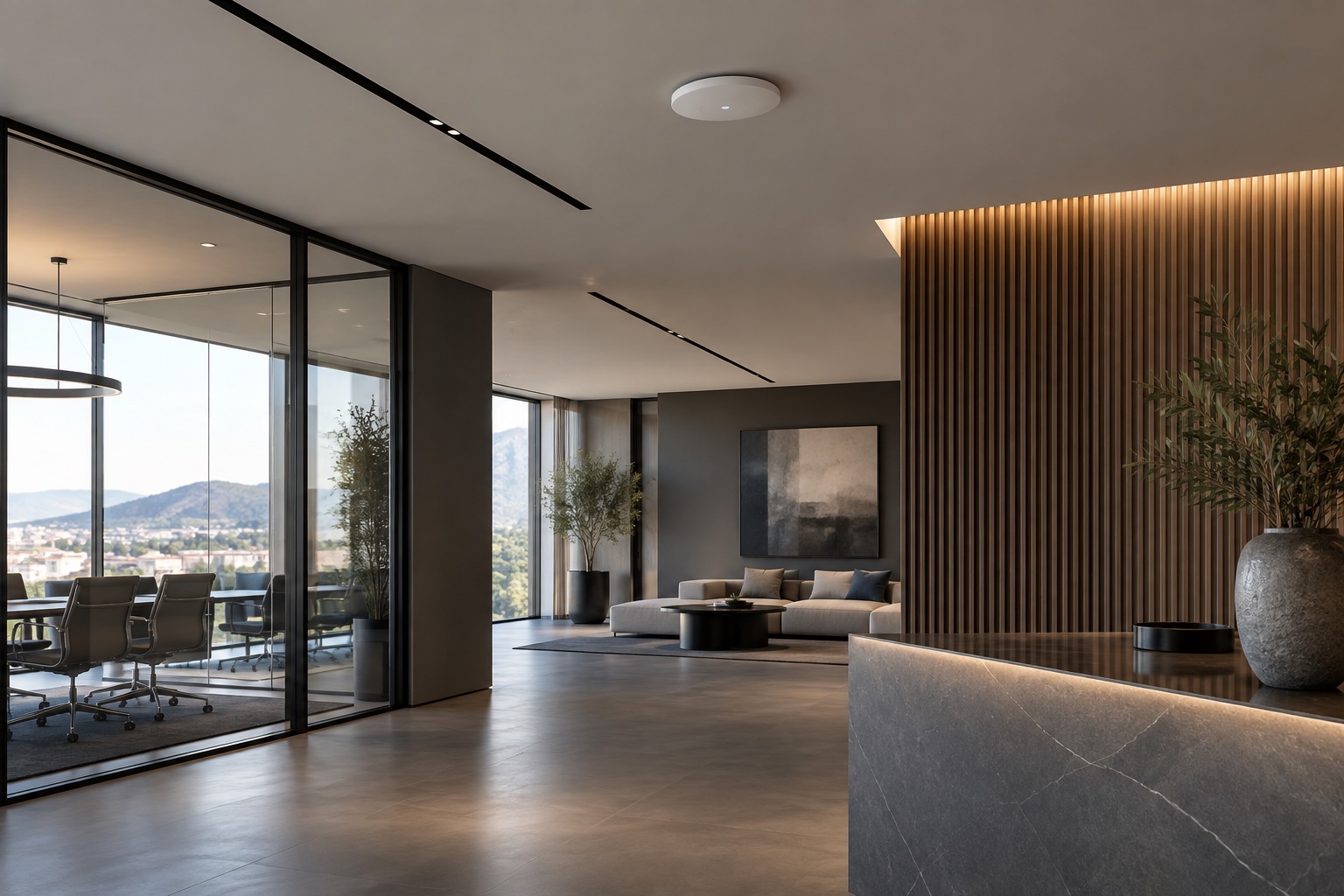
- Coverage design. We decide the number, type and position of the access points: ceiling-mounted in large rooms, wall-mounted in bedrooms, outdoor models in the garden and by the pool.
- Cabling and power. We run a network cable with PoE power to every access point from the switch in the network cabinet: see PoE switches and access points and structured cabling for the home.
- Separate networks. We create one network for the family, one for guests, one for cameras and home automation, each with its own rules.
- Testing and hand-over. We test the coverage room by room, phone in hand, and hand over the credentials and a map of the network.

What it includes
Wi-Fi in the garden, by the pool and in the guest house
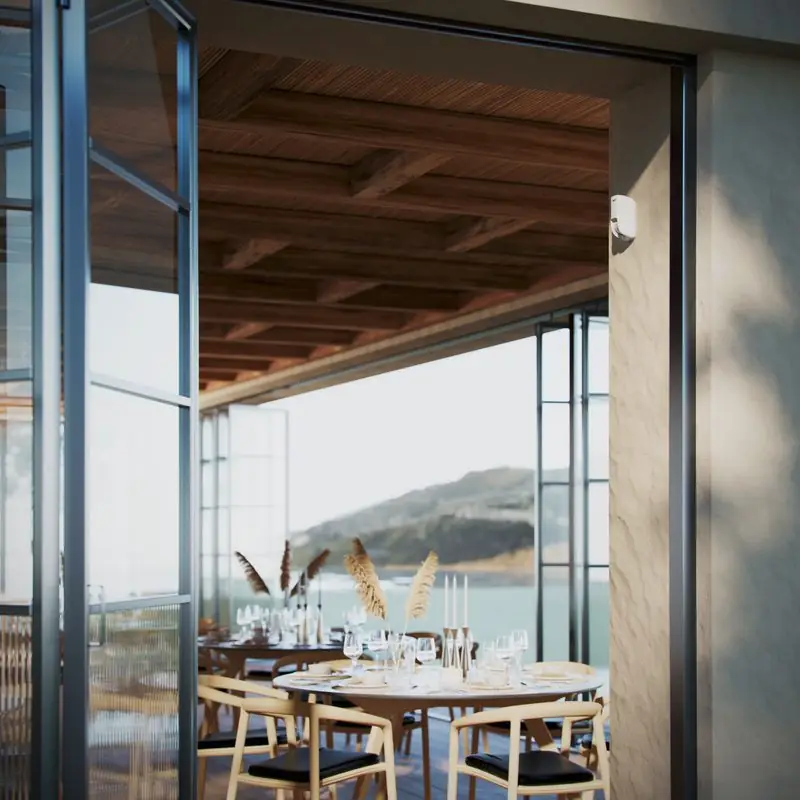
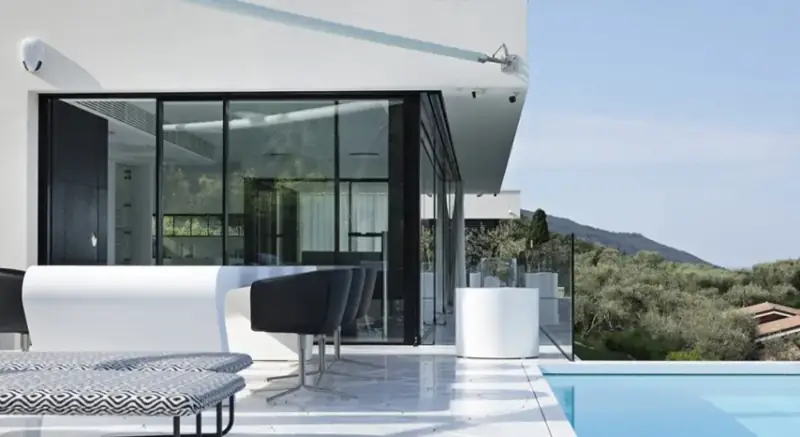
Bringing Wi-Fi outdoors does not mean turning up the indoor signal. One or more outdoor access points are installed, powered by the same cable that carries the data, in sheltered and discreet positions: under a canopy, on the pool house wall, on a post along the driveway. For a separate guest house the cable runs in an underground duct together with the camera cable; if digging is not possible, a dedicated radio link between the two buildings gives a stable connection.
The same choices serve anyone who works from home in the garden, as well as outdoor cameras, music speakers and automatic irrigation.
Together with the other systems
The Wi-Fi network of a large house is also the network of the cameras, the sensors and the home automation. That is why we design it together with the alarm systems, the video surveillance and the home automation, with a separate network for IP cameras and security systems and a home gateway and firewall that protects remote access. Those who live far away will find everything on the page for owners living abroad.
Frequently asked questions
Is mesh Wi-Fi or wired access points better in a large house?
In a large house NetCom recommends wired access points: each unit receives data and power from a network cable and delivers full bandwidth in its own area. Mesh links its units by radio, loses bandwidth at every hop and suffers from thick walls; it is only suitable where the cable cannot reach.
How many access points does a three-storey villa with a garden need?
Usually one or two per floor and one or two outdoors, but the right number depends on the wall materials, the shape of the house and where the network is used. NetCom establishes it with a measurement on site during the site visit, not on paper: often fewer are needed than people fear.
How do you get Wi-Fi into the garden, by the pool and in the guest house?
With weatherproof outdoor access points, powered by the same cable that carries the data and installed in sheltered, discreet positions. For a guest house the cable runs in an underground duct or, if digging is not possible, a dedicated radio link is used between the two buildings. NetCom decides which during the site visit.
How much does it cost to install a Wi-Fi network in a large house, and what does it depend on?
In NetCom's experience the cost depends on four factors: the number of access points, the length and difficulty of the cable runs, whether a network cabinet is already in place, and the grade of equipment chosen. After the site visit we prepare a written proposal with defined costs.
Can the Wi-Fi be improved without redoing the whole installation?
Yes. NetCom checks the existing cabling, equipment and coverage and keeps whatever works: often two or three access points in the right places and a tidy-up of the cabinet are enough. Only what really limits the network is replaced.
Can Wi-Fi interfere with the alarm and the cameras?
No, if the network is designed properly: cameras and sensors work on their own network, separate from the family and guest networks, and the alarm's wireless components use different frequencies from Wi-Fi. NetCom verifies that they coexist correctly during testing.
See also
Text by NetCom Security Group. Last updated: 31 October 2026.
Let's talk about your project
Tell us where the house or business is and what the network has to do: we will get back to you to arrange the site visit. You can also call +39 045 245 7879.