Network for IP cameras and security systems
NetCom Security Group
The network for cameras, alarm and home automation: cable or Wi-Fi, separate camera network, recorder, bandwidth and continuity in a power cut. NetCom design.
This page is part of the section Networks, Wi-Fi and internet connectivity.
Cameras, the alarm and home automation must work on their own network, separate from the family and guest networks, connected by cable and powered even when the mains fails. NetCom Security Group designs this network together with the security system, so the images always reach the recorder (NVR) and no device in the house can reach the cameras.
Many video surveillance installations perform badly not because of the cameras, but because of the network connecting them: Wi-Fi cameras that drop out, a recorder on the same network as the televisions, a router that cannot handle the video traffic at night. A large house with eight or twenty cameras, sensors, video entry system and automations needs a network designed for security, and this page explains how we build it.
Cable or Wi-Fi for the cameras
Fixed cameras always go on the cable. A network cable carries data and power together, thanks to the PoE switch, is unaffected by walls or interference and cannot be jammed by someone trying to blind the system. Wi-Fi remains for the cases where the cable cannot reach, with dedicated access points and a reserved network; battery cameras with a radio link are a temporary solution, not an installation.
Where there is no mains power, in a shed, at a distant gate or in a field, there are cameras with a solar panel and a cellular connection: we use them on isolated sites, and we describe them on the page about backup connectivity.
Why cameras belong on a separate network
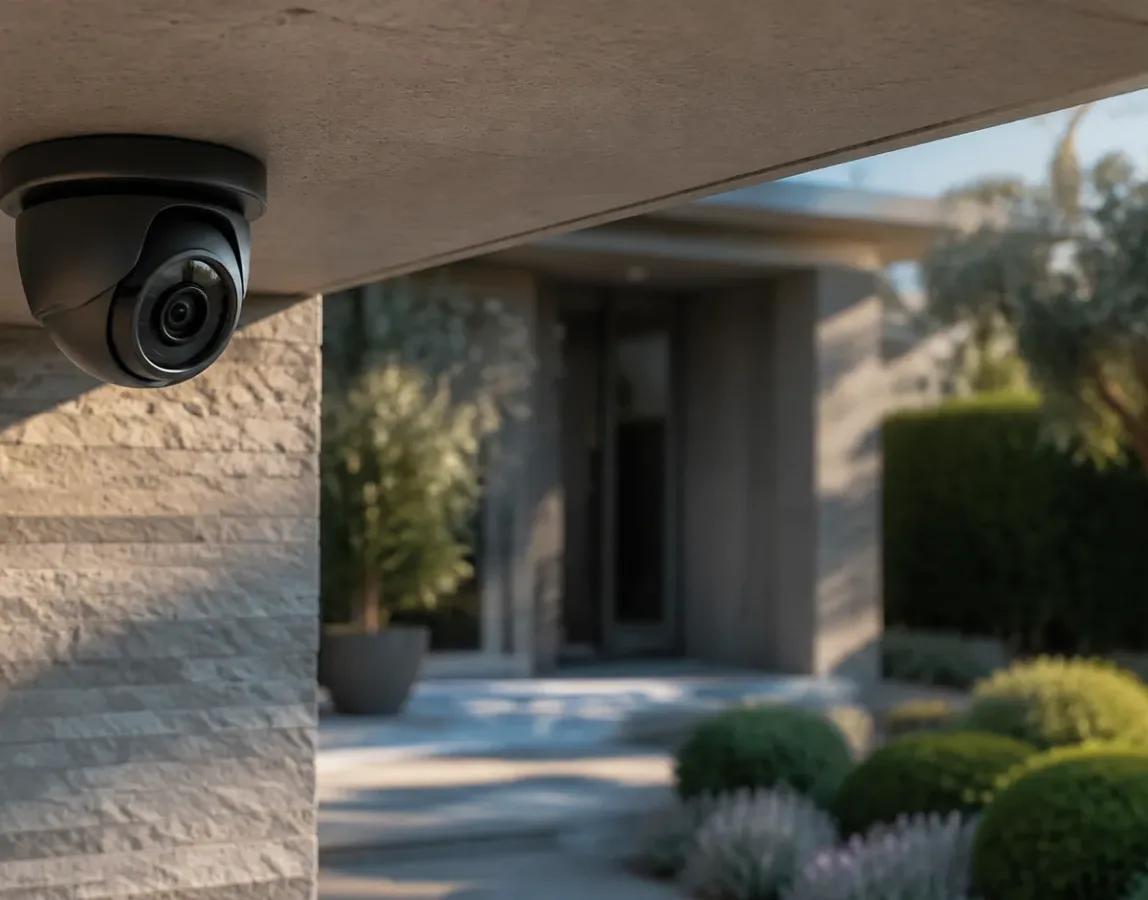
A camera is a small computer exposed to the outside. If it sits on the same network as the household computers, a flaw in its software or a weak password becomes a door to everything else; and the other way round, a guest device or a poorly updated television could reach the images. That is why we create separate logical networks on the same cables: one for the cameras and the recorder, one for the alarm and home automation, one for the family, one for guests. The gateway decides who can talk to whom: the owner sees the cameras from the app, nobody else.
The same separation gives priority to video traffic: the night-time images do not slow down because someone is watching a film, and the film does not freeze because the cameras are recording.
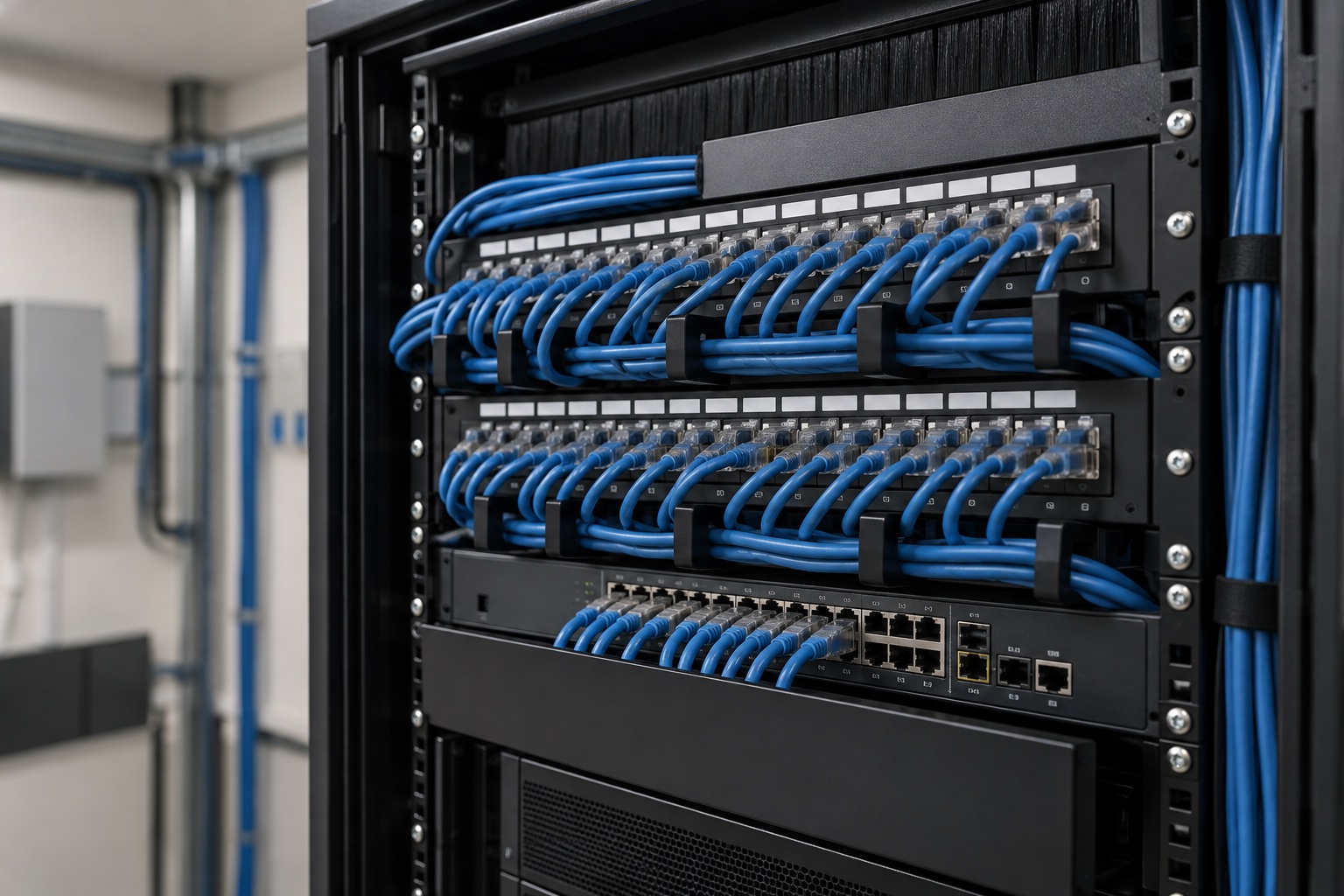
How we design it
- List of security devices. Cameras, recorder, alarm control panel, network sensors, video entry system, access readers, home automation devices.
- Dedicated cabling. One cable for every camera and fixed device back to the PoE switch: see structured cabling for the home and PoE switches and access points.
- Separate networks. Camera network, alarm and home automation network, family network, guest network, with clear rules on who sees what.
- Bandwidth and recording. We calculate the traffic from the high-resolution cameras and size the switch, the recorder and the storage: see home server and NAS.
- Continuity and testing. A UPS (uninterruptible power supply) for the switch, recorder and gateway; a test of every camera, of the app and of alarm transmission.

What it includes
Alarm and home automation on the same network
The alarm control panel communicates with the monitoring centre and with the owner's app through the home network and, as a backup, through the cellular network. The home automation connects lights, shutters, climate control and irrigation. Both sit on a reserved network, separate from the cameras and the guests, so that a fault or an intrusion in one part does not affect the others. We discuss this in the analysis separate networks, connected functions.
Together with the other systems
This network supports the video surveillance, the alarm systems, the access control and the home automation. Protection towards the internet is the job of the home gateway and firewall; control of the whole network, even from afar, is the job of the cloud-managed network. For the journey of the images from the camera to the screen, read the network behind the cameras. Respect for privacy in the footage is explained in our guide to compliant video surveillance.
Frequently asked questions
Should cameras be on a separate network from the rest of the house?
Yes. NetCom puts the cameras and the recorder on a reserved network, separate from the family, guest and home automation networks: this way no device in the house can reach the images and a flaw in a camera does not open the way to everything else. The separation is done on the same cables, with the managed switch and the gateway.
Are wired or Wi-Fi cameras better?
Wired, always, for fixed cameras: a single cable carries data and power, is unaffected by walls and cannot be jammed over the air. NetCom uses Wi-Fi only where the cable cannot reach, with a dedicated network, and battery cameras only as a temporary solution.
Are there cameras that work without Wi-Fi and without mains power?
Yes: cameras with a solar panel and a cellular connection through a SIM card, suited to a distant gate, a shed or a plot of land. NetCom proposes them for isolated sites and connects them to the same management console as the rest of the system; inside the house the cable remains preferable.
How much internet bandwidth do the cameras need?
To record at home, no internet bandwidth is needed: the images travel over the local network to the recorder. The internet line is needed to view them from outside and to send alarms: a stable connection is enough, and NetCom adjusts the quality of the images streamed to the app according to the line available.
What happens to the cameras if the power or the internet fails?
With the UPS in the cabinet, the cameras, recorder and network keep working for the planned time and the recordings stay in the house. If the internet fails, recording continues locally and the alarm sends its signals over the backup cellular line. NetCom includes both protections in the design.
Who can see the camera images?
Only those the owner authorises: access goes through the protected gateway, with personal credentials and, if requested, a second factor. NetCom has no access to the images except during support, on request and with the client's consent; the privacy rules are in our guide to compliant video surveillance.
See also
- Networks, Wi-Fi and internet connectivity
- Backup connectivity
- Structured cabling for the home
- PoE switches and access points
- Home server and NAS
- Separate networks, connected functions
- Video surveillance
- Alarm systems
- Access control
- Home automation
- Home gateway and firewall
- Cloud-managed network
- The network behind the cameras
Text by NetCom Security Group. Last updated: 31 October 2026.
Let's talk about your project
Tell us where the house or business is and what the network has to do: we will get back to you to arrange the site visit. You can also call +39 045 245 7879.