Home server and NAS
NetCom Security Group
A server or NAS at home: where to keep camera recordings, documents and backups, with protected remote access and low power consumption. Sized by NetCom.
This page is part of the section Networks, Wi-Fi and internet connectivity.
A NAS is a small network storage unit that sits in the house's cabinet and keeps camera recordings, documents, photos and backups of the computers, accessible from every room and, in a protected way, from outside. NetCom Security Group sizes it on the cameras and the family's data, places it on a reserved network and installs it with our own technicians.
In a large house, data piles up quickly: the cameras produce days of video, every computer holds documents that nobody saves anywhere else, the family photos are on three different phones. Keeping everything in the house, on a quiet, low-consumption unit, with an off-site copy of the important documents, is safer than relying on a subscription service alone and tidier than a row of external drives.
What a NAS is for at home
The NAS gathers in one place whatever must not be lost. The cameras can record directly onto it, or the recorder (NVR) can copy the important events onto it to keep them longer. The family's computers save an automatic copy to it every night. Photos from phones arrive by themselves when you come home. Documents from the family practice or business sit in folders with different permissions for each person.
Everything stays inside the house, on drives that can be replaced without losing data, and is consulted from outside through the gateway's protected access, not through ports open to the internet.
Home server or NAS
A NAS is a closed, ready-to-use unit, quiet and drawing only a few watts: for a family and for camera recordings it is almost always the right choice. A home server is a real computer, more powerful and more flexible, suited to those who run their own software, to a professional practice at home or to those who want the management console for the network and home automation on the same unit. It uses more power and needs more maintenance. During the site visit we work out what is really needed and propose the simplest unit that does the job.
How we design it
- What to keep. Days of camera recordings, computer data, photos, business documents: from this comes the space needed, with a margin for the years to come.
- Redundant drives. Two or more drives that protect each other: if one fails, the data remains and it is replaced without stopping anything.
- Reserved network. The NAS sits on the camera network or on a network of its own, reachable by the family only for the shared folders.
- Automatic copies. Computers and phones save by themselves; the important documents have a second, encrypted copy outside the house.
- Installation and testing. Our own technicians mount it in the cabinet, connect it to the UPS (uninterruptible power supply), set up users and permissions and test a backup and a restore.

What it includes
Where it lives and how much power it uses
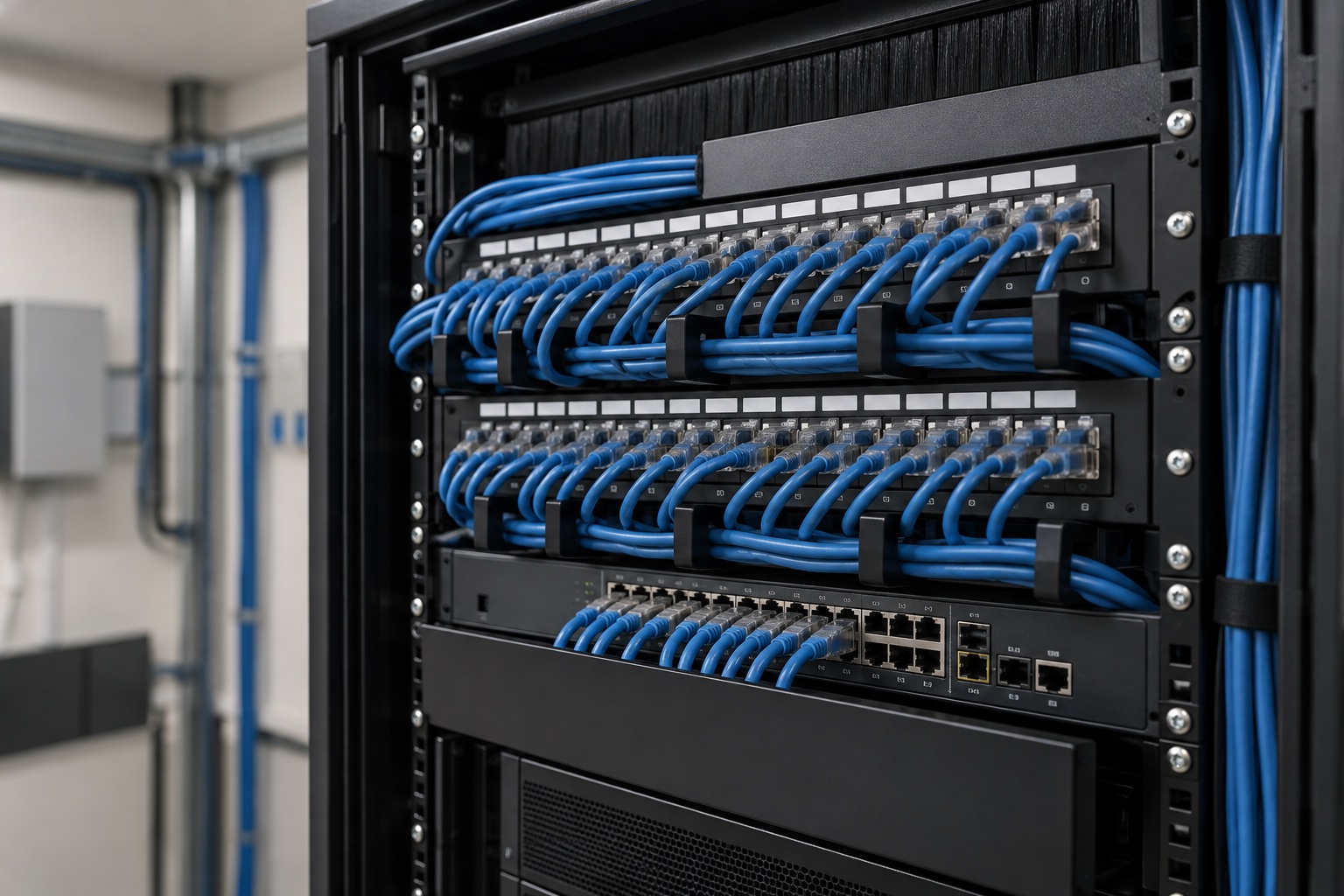
The NAS goes in the network cabinet, connected to the switch and the UPS, in a ventilated room: domestic models are quiet and use about as much power as a light bulb, even with the drives running. The same cabinet houses the switch and the gateway: see structured cabling for the home and PoE switches and access points. A more powerful home server needs a cooler spot and better ventilation.
Together with the other systems
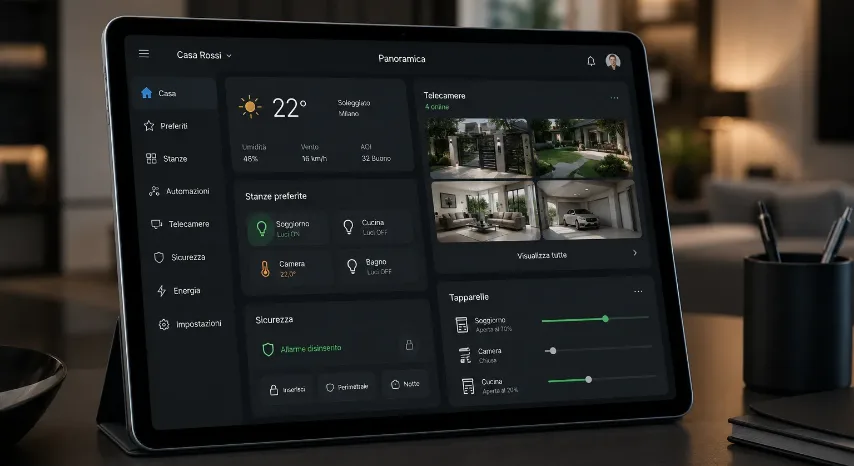
The NAS is where the video surveillance keeps its images and where the house keeps its data. It sits on the network for IP cameras and security systems, protected towards the internet by the home gateway and firewall and controlled, like everything else, from the cloud-managed network.
Frequently asked questions
Do I need a NAS at home?
You need one when there are cameras to record, several computers with documents nobody saves anywhere else, and photos scattered across several phones. NetCom recommends it as the house's single archive: quiet, low-consumption, with drives that protect each other and protected access from outside. In a small house with few cameras the recorder may be enough.
Is a home server or a NAS better?
For a family and for the cameras NetCom recommends a NAS: ready to use, quiet, a few watts of consumption. A home server, a real computer, is for those who run their own software or have a professional practice at home; it costs more in energy and in maintenance.
Can the cameras record onto the NAS?
Yes. The cameras can record directly onto the NAS, or the recorder can copy the important events onto it to keep them longer. NetCom chooses the solution based on the number of cameras and the days of recording required, and sizes drives and space accordingly.
How much power does a NAS use running all day?
A home NAS with two or four drives uses about as much as a low-energy light bulb, and less when the drives are idle. NetCom connects it to the cabinet's UPS together with the switch and gateway, so it stays on even during a brief power cut.
Is the data on the NAS safe if a drive fails?
Yes, if the NAS has at least two drives configured redundantly: one drive can fail without losing anything and is replaced without stopping the unit. NetCom adds a second, encrypted copy outside the house for the documents that must not be lost, because redundancy protects against failure, not against theft or fire.
Can the NAS be accessed securely from outside the house?
Yes, through the gateway's protected access, with personal credentials and encryption, never by opening ports to the internet. NetCom sets up remote access for the owner and, if requested, for the practice or colleagues, with different permissions for each person.
See also
Text by NetCom Security Group. Last updated: 31 October 2026.
Let's talk about your project
Tell us where the house or business is and what the network has to do: we will get back to you to arrange the site visit. You can also call +39 045 245 7879.