PoE switches and access points
NetCom Security Group
PoE switch: one cable carries data and power to cameras, access points and video entry systems. How it works, how many ports, how much power, managed or not.
This page is part of the section Networks, Wi-Fi and internet connectivity.
A PoE switch is the device that connects the house's network cables to each other and, along the same cable, sends power to cameras, access points, video entry systems and sensors: a single cable for data and power, no mains socket needed near the device. NetCom Security Group sizes it on the number of devices and the power they require, and installs it in the network cabinet with our own technicians.
In a large house with cameras, access points on every floor and a network video entry system, the PoE switch is the point where everything converges. Choosing the right one means counting today's and tomorrow's devices, adding up the power they draw and deciding how much control you want over the network. Here we explain what we look at when we choose one for a client.
What a PoE switch is for
The name comes from Power over Ethernet, power delivered through the network cable. The switch recognises the connected device, works out whether it accepts power and how much it needs, and supplies it safely along the same cable that carries the data. A camera under the eaves, an access point on the ceiling or a video entry panel at the gate can therefore be installed with a single cable, with no electrician and no power adapters scattered around the house.
There are three power levels, defined by international standards: the first is enough for cameras and sensors, the second for access points and motorised cameras, the third for the most demanding devices such as large outdoor access points or screens. The right switch supplies the level each port needs and has a reserve of total power for all of them together.

How we size it
- We count the devices. Cameras, access points, video entry system, access control readers, sensors and anything that might arrive in the future.
- We add up the power. Every device has a known power draw; the sum, with a margin, gives the total power the switch must supply.
- We choose ports and speed. Enough ports plus a reserve, speed suited to high-resolution cameras and the latest access points, fibre ports for the backbones.
- Managed or unmanaged. Where separate networks, traffic priority and remote control are needed we choose a managed switch; in a secondary cabinet a simple model may be enough.
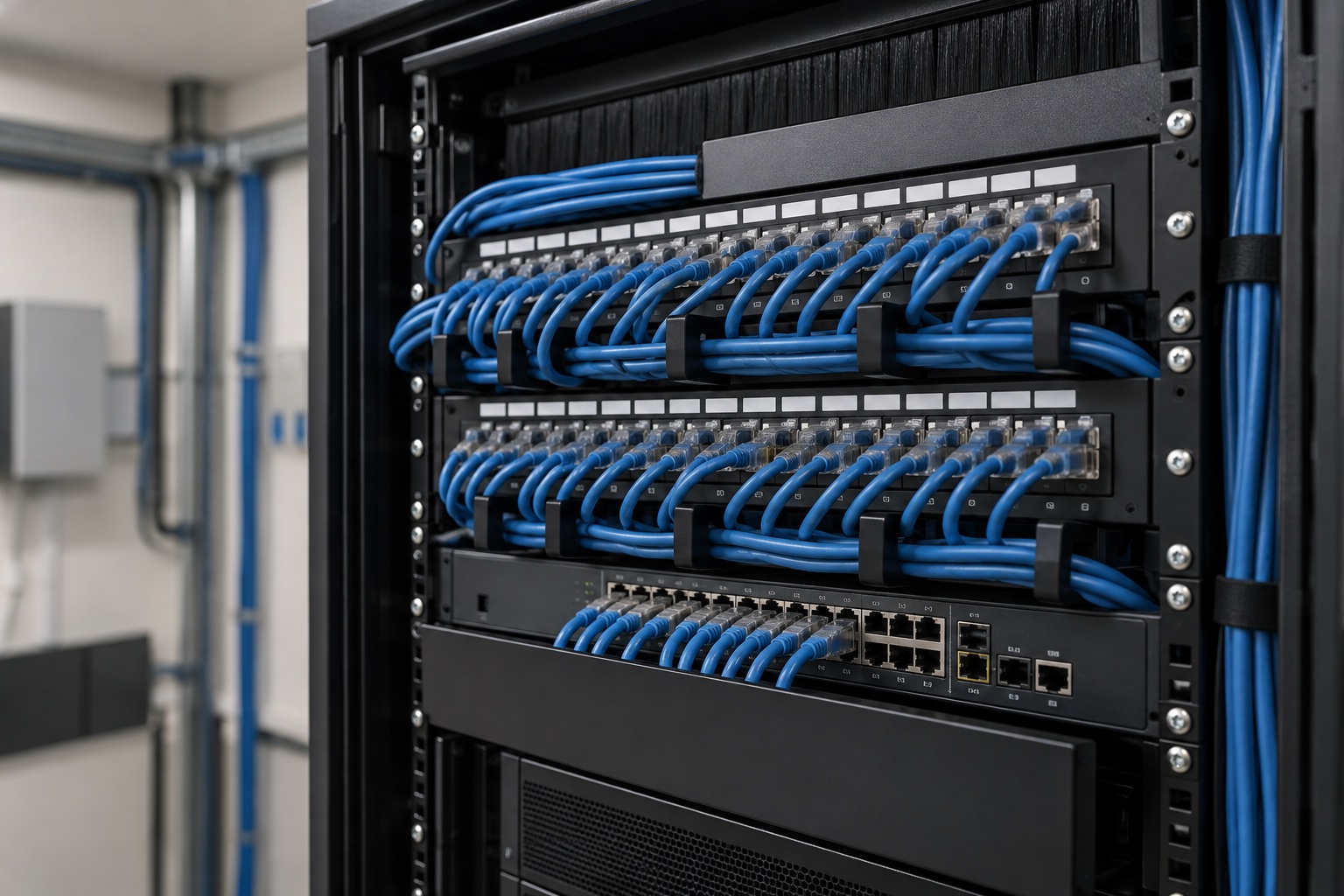
- Installation and testing. Our own technicians mount it in the cabinet, connect it to the UPS (uninterruptible power supply), name every port and check the power delivered.
What we look at in a switch
Managed or unmanaged switch
An unmanaged switch simply connects: it is suitable for a small secondary cabinet with a few outlets. A managed switch allows the networks (family, guests, cameras, home automation) to be separated on the same cables, gives priority to camera and video-call traffic, shows which port draws how much power and lets you restart a device remotely. In a house with cameras and home automation we use managed switches, controlled from the same management console as the access points: see cloud-managed network.
Access points: the Wi-Fi side
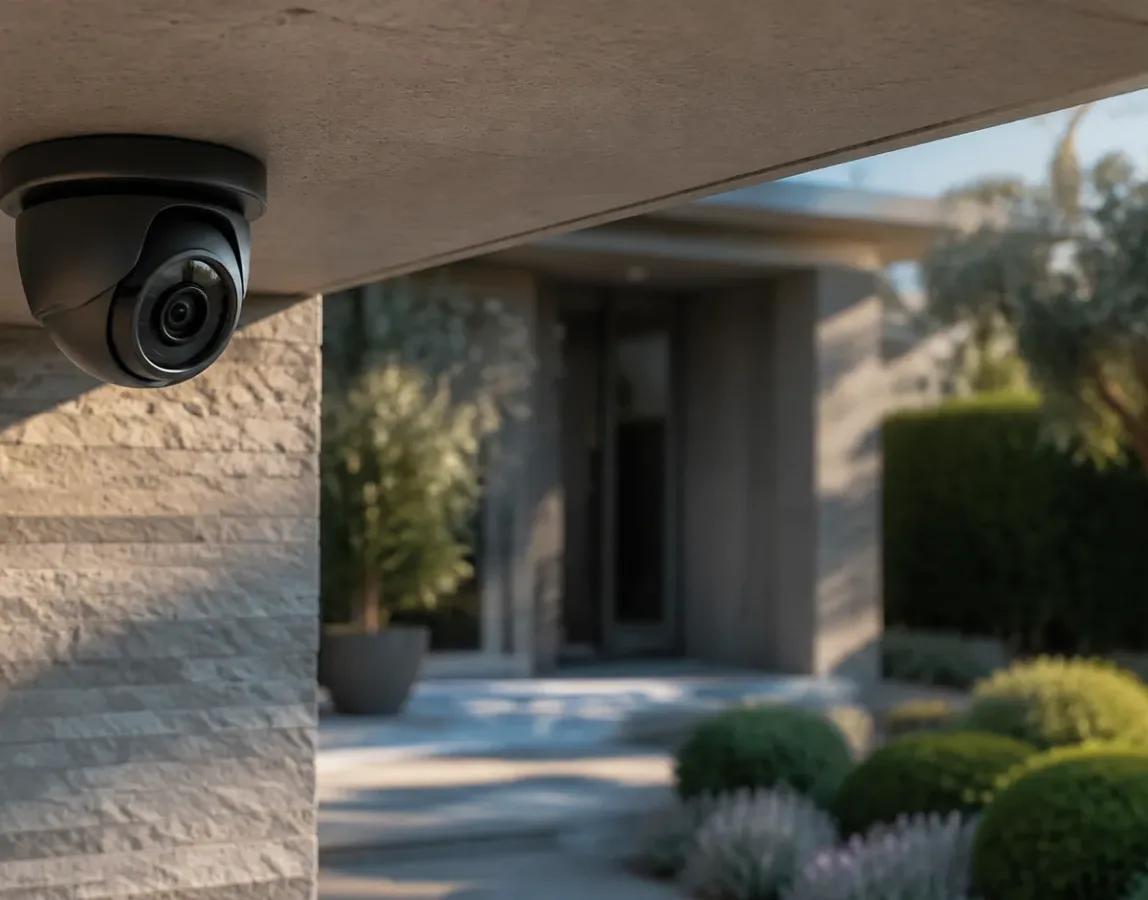
Access points are the devices that broadcast the Wi-Fi; they are powered by the PoE switch and are therefore installed on the ceiling or wall with a single cable. There are indoor models, ceiling-mounted for large rooms and wall-plate types for bedrooms, and outdoor models, housed in weatherproof enclosures. The number and position are decided with a measurement on site: everything is on the page Wi-Fi for large houses and villas.
Together with the other systems
The PoE switch powers and connects the video surveillance, the video entry system and the access control readers, and the home automation sensors. Its power must be sized together with the structured cabling for the home, and the camera network must be kept separate: see network for IP cameras and security systems. Further reading in our analysis PoE: power and images along the same cable.
Frequently asked questions
What is a PoE switch for and how does it work?
A PoE switch connects the house's network cables and, along the same cable, powers cameras, access points, video entry systems and sensors: it recognises the device, works out how much power it needs and supplies it safely. NetCom uses it to install every device with a single cable, with no nearby mains sockets or scattered power adapters.
How many ports should a home switch have?
As many as there are cabled devices plus a twenty per cent reserve: in a large house with cameras and access points you often start from 16 or 24 ports, while 8 are enough in a secondary cabinet. NetCom counts them during the site visit, together with the total power, which is the limit that really matters.
Is a PoE switch suitable for all cameras?
For almost all network cameras, yes: they are designed to be powered through the cable. Motorised cameras and those with heaters need more power, and NetCom checks that the port and the switch can supply it. Old analogue cameras do not use PoE.
Is a managed or an unmanaged switch better?
In a house with cameras, home automation and guests NetCom recommends a managed switch: it separates the networks on the same cables, gives priority to video and lets you restart a device remotely. An unmanaged model is only suitable for a small secondary cabinet with a few outlets.
Does a PoE switch use a lot of power and run hot?
It uses the sum of what the connected devices draw, plus a small amount of its own; a camera draws about as much as a low-energy light bulb. Powerful models have fans: NetCom chooses quiet models when the cabinet is close to the living areas and places it in a ventilated room.
What happens if the power goes off?
The switch shuts down and with it the cameras and access points, unless it is connected to a UPS. NetCom always includes one in the cabinet: it keeps the network, cameras and alarm running for the time needed and protects the equipment from surges.
See also
Text by NetCom Security Group. Last updated: 31 October 2026.
Let's talk about your project
Tell us where the house or business is and what the network has to do: we will get back to you to arrange the site visit. You can also call +39 045 245 7879.